Clinical image documentation
Keep relevant clinical photographs with the patient record when image documentation is enabled and permitted by clinic policy.
Dermatology practice software
From the first consultation to ongoing treatment, dermatology care depends on clear documentation and thoughtful follow-up. Hoziva helps your team organize patient records, clinical notes, and practice workflows in one place.
More connected workflows for modern skin care
Designed around dermatology
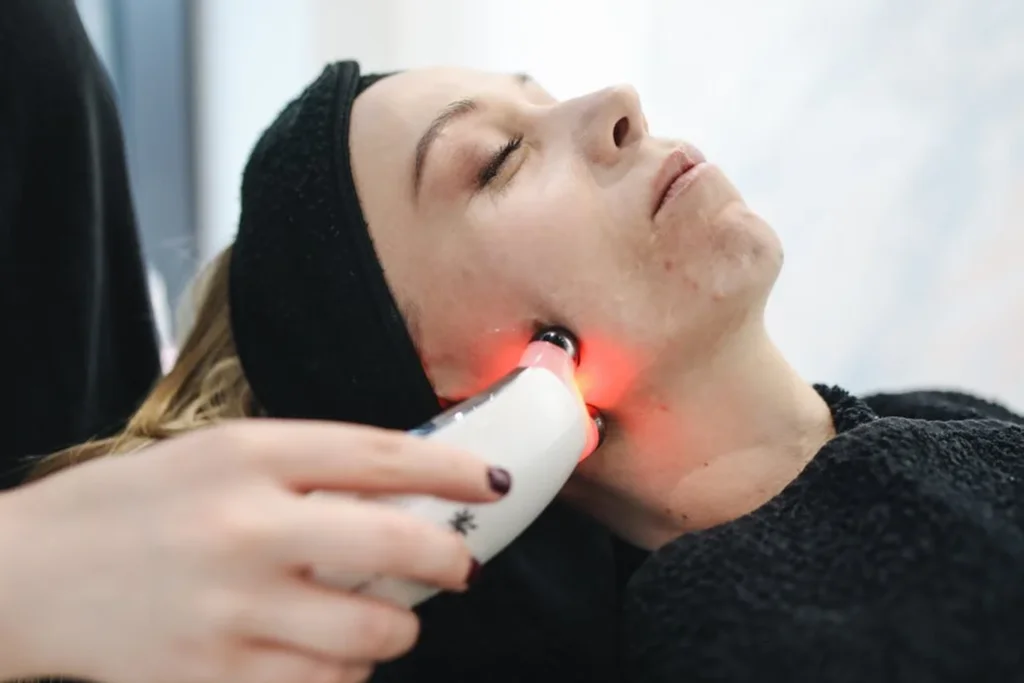
Skin concerns can involve repeated consultations, treatment changes, and visual documentation over time. Keeping relevant notes and records organized can help clinicians review a patient's history during follow-up.
Hoziva supports digital patient and clinic workflows. Features such as image storage, access controls, templates, and integrations depend on your selected products and configuration.
Explore Hoziva EMRIntegrated clinical workflows
Bring key information and repeatable clinic tasks into a more organized digital workflow.
Keep relevant clinical photographs with the patient record when image documentation is enabled and permitted by clinic policy.
Document symptoms, observations, clinical assessments, and care plans using your practice's workflow.
Coordinate return visits and keep the documented treatment journey easier for the care team to review.
Support medication documentation as part of the consultation and patient record workflow.
Explore pharmacy toolsHelp coordinate bookings, patient arrival, consultation, and next steps across your clinic team.
Explore clinic managementUse available operational reports to review clinic activity and support informed day-to-day decisions.
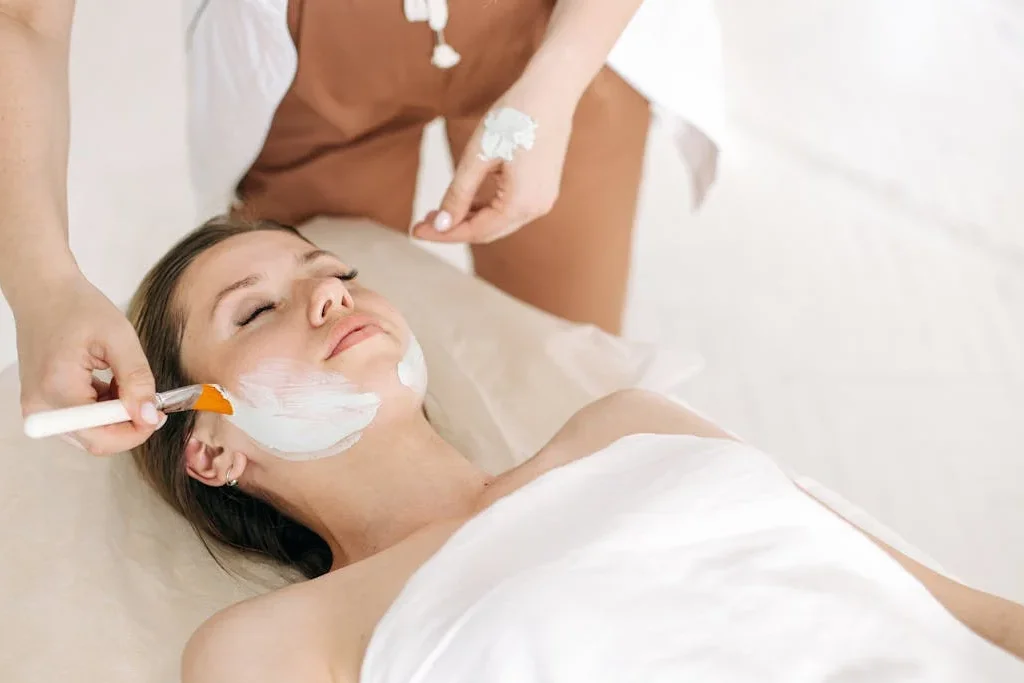
Image history and continuity
When a clinic chooses to document images, organizing them alongside relevant visit information can support review across consultations. Image capture and storage should follow patient consent, privacy requirements, and clinic policy.
Images support clinical documentation and do not independently diagnose a condition or determine treatment.
A connected clinic day
Support the steps that keep dermatology care and clinic operations moving together.
Review patient details and relevant history before the consultation.
Record consultation notes, clinical observations, and the care plan.
Include images or other documentation where clinically appropriate and consented.
Plan the next contact and keep the patient journey visible to your team.
Frequently asked questions
Learn how digital tools can support your skin clinic's clinical and administrative workflows.
Ask our team a questionDermatology EMR software helps a skin clinic document and organize patient encounters, clinical notes, and related practice workflows in a digital system.
Image documentation may be available depending on the selected product and configuration. Clinics should obtain appropriate consent and follow applicable privacy, security, and retention requirements.
Image organization and review capabilities depend on available features and configuration. A clinician should interpret any images in context; the software does not determine clinical outcomes.
Hoziva offers clinic workflow tools that can support appointment and follow-up coordination. Specific capabilities depend on your setup and practice processes.
No. Hoziva supports documentation and operational workflows; diagnosis and treatment decisions remain with qualified healthcare professionals.
Contact the Hoziva team to discuss your consultation flow, image documentation needs, and clinic operations. We can help you explore relevant product options.
For dermatology teams
Explore how Hoziva can support your clinical documentation and everyday skin clinic workflows.